FunderPro cTrader Review and Setup Guide
cTrader provides full Level 2 Depth of Market visibility, displaying live order book depth across multiple price levels.
Reviewed by Hà Ngọc Lộc· Senior SEO Editor
Quick Verdict
FunderPro cTrader provides technical traders with cTID order routing, native level 2 depth of market, integrated lot-size risk calculations, and native C# cBot automated trading across Classic, Pro, One-Phase, and Instant evaluation programs. It is an ideal platform choice for quantitative developers, scalpers, and systematic risk managers who require server-side execution and precise position controls. However, traders must adhere to FunderPro's underlying account rules, including the 20% funded margin cap per asset class and leverage reductions when using the Swing Add-On. Apply code HNLTRADING at checkout for a partner-verified 15% discount.
Current Checkout Offer & Savings
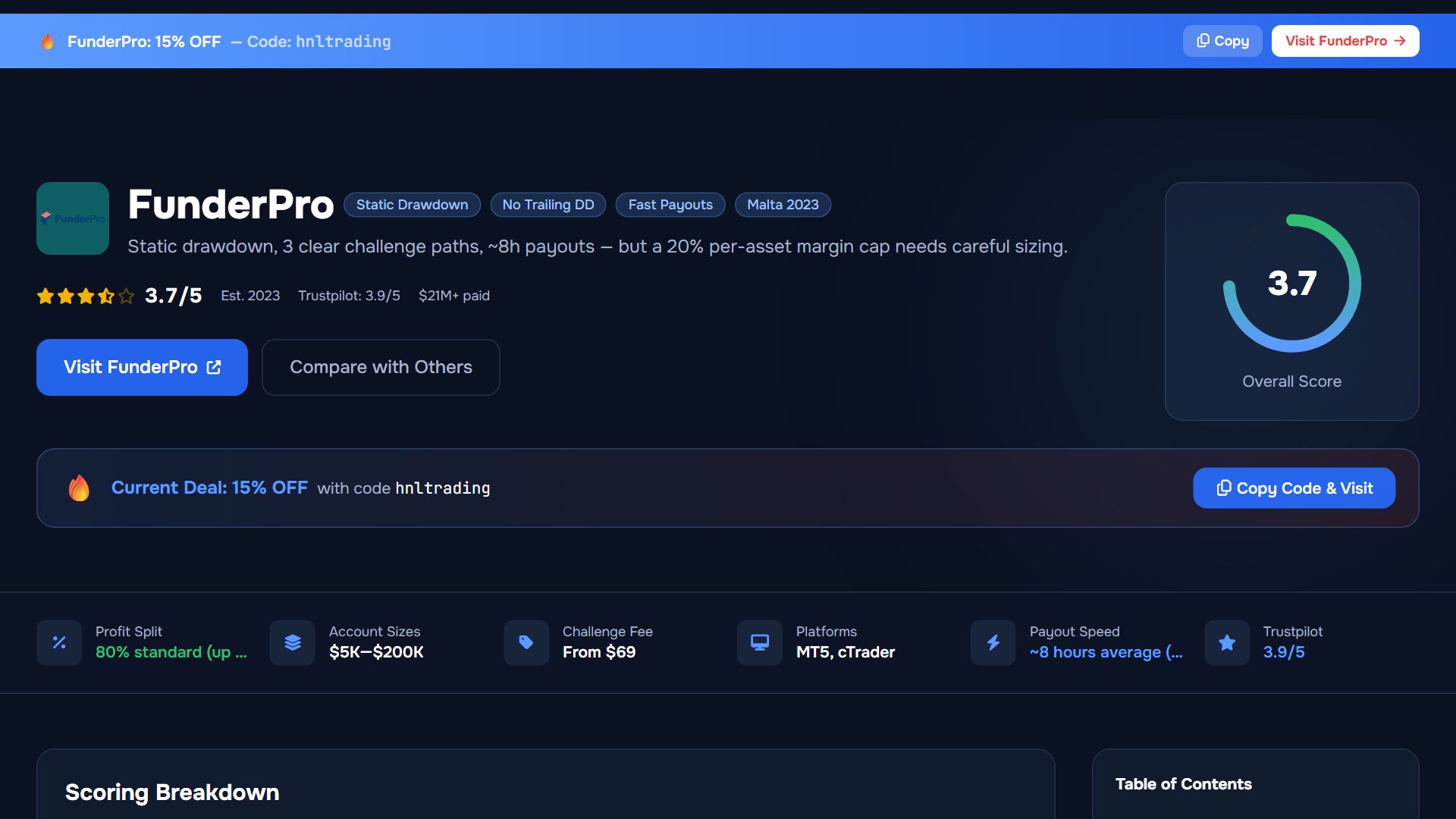
Traders opening a new FunderPro cTrader evaluation account can apply partner discount code HNLTRADING at checkout to receive a verified 15% fee reduction.
FunderPro cTrader Program Specifications
Platform capabilities interact directly with FunderPro's account architecture. The matrix below defines how cTrader features operate across each evaluation tier and live simulated account structure.
| Feature / Rule | Classic Challenge | Pro Challenge | One-Phase Challenge | Instant Program |
|---|---|---|---|---|
| Platform Options | cTrader, TradeLocker, MT5 | cTrader, TradeLocker, MT5 | cTrader, TradeLocker, MT5 | cTrader, TradeLocker |
| Forex Leverage | 1:100 (1:50 with Swing Add-On) | 1:100 (1:50 with Swing Add-On) | Up to 1:100 | Tier-specific dynamic rules |
| Indices / Commodities Leverage | 1:30 | 1:30 | 1:10 | Tier-specific rules |
| Funded Margin Cap | 20% initial balance per asset class | 20% initial balance per asset class | 20% initial balance per asset class | Equity-monitored rules apply |
| Automated Trading (cBots) | Allowed (Unique code/parameters) | Allowed (Unique code/parameters) | Allowed (Unique code/parameters) | Consistency policy enforced |
| Drawdown Structure | Static / Balance-based relative | Static / Balance-based relative | Relative to peak equity/balance | Equity trailing / static threshold |
Why Choose cTrader on FunderPro?
Spotware’s cTrader platform has become an industry standard for proprietary traders seeking transparent execution, integrated risk tools, and advanced charting. Unlike legacy terminals that rely on external plugins, cTrader builds institutional-grade functionality directly into its core user interface.
1. Integrated Risk & Lot Size Calculator
Order placement in cTrader features a built-in risk calculator. Traders can specify exposure directly in dollar terms (e.g., risking $500 on a $100,000 account) or as an exact percentage of account equity. The platform automatically calculates required lot sizes based on live market spread, instrument tick value, and stop-loss distance, helping prevent human error and inadvertent daily drawdown breaches.
2. Level 2 Depth of Market (DoM)
cTrader provides full Level 2 Depth of Market visibility, displaying live order book depth across multiple price levels. Order-flow scalpers and day traders can analyze liquidity density, execute Market Range orders, and manage slippage during high-volatility sessions.
3. Server-Side Risk & Order Execution
All active stop-loss, take-profit, trailing stop, and pending order parameters are hosted on the server level. If your trading terminal disconnects or loses power during news releases, server-side execution remains fully enforced by Spotware’s cloud backend.
4. C# Automated Trading (cBots)
Quantitative developers can construct, backtest, and deploy automated strategies using cTrader’s cAutomated API, written in native C# within Microsoft Visual Studio integration. cTrader offers fast historical tick-data backtesting and execution precision compared to legacy scripting environments.
To review alternative terminal options available at checkout, consult our detailed FunderPro trading platforms guide or read the full FunderPro review.
Step-by-Step cTrader Setup and Credential Linking
Connecting your FunderPro account to cTrader uses Spotware's unified cTrader ID (cTID) architecture. Follow this step-by-step setup procedure:
- Select cTrader at Account Creation: During checkout on FunderPro, select cTrader as your primary terminal.
- Receive Account Credential Notification: Upon completed setup, FunderPro issues an account activation email with your assigned server credentials, simulated account number, and cTID link.
- Authenticate via cTID: Access the cTrader Web application or open the cTrader Desktop/Mobile software. Log in with your registered cTID credentials (ensure the email matches your FunderPro account).
- Confirm Account Linkage: Accept the server connection invite. Your FunderPro simulated account number will populate inside the cTrader account manager menu.
- Configure Risk Safeguards: Before executing trades, adjust your market execution slippage parameters, default chart layouts, and stop-loss presets under Symbol Specifications.
Critical FunderPro Rules When Trading on cTrader
While cTrader provides automated position sizing and execution controls, trading parameters are strictly subject to FunderPro's underlying risk policies.
1. The 20% Funded Account Margin Cap
Upon completing an evaluation challenge and advancing to a Funded Account, FunderPro restricts active margin allocation to a maximum of 20% of the initial account balance per asset class.
Worked Margin Calculation Example
Account Size: $100,000 Funded Account
20% Margin Limit: $20,000 maximum allowed margin per asset class
Instrument: EUR/USD (Forex Leverage 1:100)
Position Size: 15 Lots (1,500,000 units base currency)
Margin Utilized: $1,500,000 / 100 = $15,000 (15% of initial balance)
Opening an additional 10 lots of GBP/USD would require an extra $10,000 in margin, raising total forex margin exposure to $25,000 (25% of starting capital). Even if cTrader’s internal terminal margin permits order entry based on available equity, exceeding the 20% cap triggers an account breach at the server level. Always verify Margin Used relative to initial account size.
2. Impact of the Swing Add-On on Leverage
Standard Classic and Pro challenges provide up to 1:100 leverage on Forex instruments. Electing to purchase the optional Swing Add-On to enable weekend position holding reduces maximum Forex leverage to 1:50.
Because 1:50 leverage requires double the margin collateral per lot compared to standard 1:100 accounts, traders holding active positions into market close must ensure adequate account balance to prevent involuntary margin stop-outs.
3. cBot Automation and EA Policy
FunderPro permits automated trading via cBots on cTrader. However, using public, commercial, or off-the-shelf automated algorithms that copy identical order entries, stop levels, or execution patterns across multiple user accounts is prohibited. Compliance requirements include:
- Modifying execution parameters, risk percentages, and entry triggers to create a distinct account footprint.
- Avoiding account management services, group trade copiers across master accounts, or latency arbitrage algorithms.
- Deploying cBots on a dedicated Virtual Private Server (VPS) to maintain uninterrupted terminal connectivity during volatile news releases.
Platform Comparison: cTrader vs TradeLocker vs MT5
Comparing cTrader against other available platforms on FunderPro clarifies interface trade-offs:
| Feature | cTrader | TradeLocker | MetaTrader 5 (MT5) |
|---|---|---|---|
| Primary Target | Technical Scalpers & Quantitative Traders | Web & Mobile Discretionary Traders | Legacy EA Users & Traditional FX Traders |
| Programming Language | C# (.NET) | TradingView Pine Script (Web Charting) | MQL5 |
| Native Risk Panel | Yes (Risk %, Dollar $, Pips) | Yes (Risk %, On-Chart Visual Overlay) | No (Requires Third-Party EA Panel) |
| Depth of Market (DoM) | Standard Level 2 DoM | Basic Depth View | Standard DoM |
| Execution Engine | Spotware Cloud Server Engine | Cloud Web Architecture | Broker Server Dependent |
Who Should (and Should Not) Choose cTrader
cTrader Is Recommended For:
- Quantitative & Algorithmic Traders: C# developers seeking access to Spotware's API, native backtesting tools, and automated execution features.
- Systematic Risk Managers: Traders who prefer entering orders based on exact cash risk parameters rather than manual lot calculation.
- Order Flow Specialists & Scalpers: Active day traders requiring Level 2 DoM visibility, multi-chart setups, and swift execution buttons.
Who Should Avoid cTrader:
- MQL EA Users: Traders reliant on proprietary MQL4/MQL5 Expert Advisors or indicators that cannot be easily rewritten in C#.
- Jurisdictional Restrictions: Regional platform access can vary; confirm cTrader availability for your country on FunderPro checkout before purchasing.
Operational Risks and Evidence Limitations
Before selecting FunderPro and cTrader, consider the following operational constraints:
- Simulated Environment: All activity on FunderPro takes place in a simulated trading environment using virtual funds. Virtual trading environments do not replicate real-market liquidity, slippage, or execution dynamics identically under fast-moving market conditions.
- Platform Selection Permanence: Selecting cTrader during setup assigns the account to cTrader infrastructure. Transferring an active evaluation account to MT5 or TradeLocker mid-challenge requires account resetting or support intervention.
- Third-Party Review Context: Public review aggregators such as Trustpilot currently show FunderPro's rating status as unavailable due to platform compliance guidelines. Third-party feedback should be viewed as contextual observation rather than guaranteed proof of user experience.
Official Sources and Verification Ledger
Operational rules, margin limits, and platform policies cited in this guide were verified against official FunderPro documentation:
- FunderPro Official Help Center (support.funderpro.com) (General Rules, Platforms, and Simulation Terms)
- FunderPro Leverage & Swing Add-On Policy (support.funderpro.com)
- FunderPro Funded Account Margin Rules (20% Cap) (support.funderpro.com)
FunderPro cTrader Review and Setup Guide: Your Questions Answered
What are the core rules and costs covered in FunderPro cTrader Review and Setup Guide?
For traders researching funderpro ctrader, FunderPro operates with From $149 ($25K) to $649 ($200K) and 10% Phase 1 / 8% Phase 2. Risk limits enforce 5% daily / 10% overall, while eligible accounts operate on MT4, MT5, TradeLocker, cTrader. Always cross-check the live specification sheet (last checked 2026-07-26) before placing orders.
How does FunderPro calculate drawdown and daily risk limits for FunderPro cTrader Review and Setup Guide?
When applying the rules in FunderPro cTrader Review and Setup Guide, FunderPro monitors 5% daily / 10% overall across open floating equity and closed balance. A single oversized position during high-impact macroeconomic releases can breach the daily limit if stop-loss slippage occurs on MT4, MT5, TradeLocker, cTrader.
Which platforms and oversight rules apply to FunderPro cTrader Review and Setup Guide?
Under the current framework for funderpro ctrader, execution runs on MT4, MT5, TradeLocker, cTrader through FunderPro Limited (Malta, simulated prop evaluation). Traders should verify whether their specific country of residence connects to a Tier-1 licensed entity, an offshore brokerage branch, or a simulated evaluation server.
Related Guides
Sources & verification
- Last checked
- Written by
- HNL Growth Team
- Reviewed by
- Hà Ngọc Lộc
- Length
- 7 min read · 1,567 words
Rules, prices and payout terms on this page were checked against the official websites, help-centre articles and published terms of the firms mentioned, on the date above. Prop firms and brokers change conditions often — confirm the current version on the official site before you buy or deposit. Read our editorial methodology and affiliate disclosure.
Official sources & documentation verified
- FunderPro Official Help Center(support.funderpro.com)
- FunderPro Leverage & Swing Add-On Policy(support.funderpro.com)
- FunderPro Funded Account Margin Rules (20% Cap)(support.funderpro.com)
Explore Related Hubs & Free Trading Tools
Ready to Start Your FunderPro Challenge?
FunderPro offers three clearly differentiated evaluation paths — One-Phase, Classic, and Pro — with a static (non-trailing) drawdown and reward processing averaging ~8 hours. Use code hnltrading at checkout for 15% off.
Risk disclaimer: Challenge fees are non-refundable if you breach the rules. Prop trading involves significant financial risk. Past performance in a simulated environment does not guarantee results on a funded account. Only purchase if you understand the rules fully and can afford to lose the fee. Affiliate disclosure: HNL Growth earns a commission when you purchase a FunderPro challenge through links on this page.