Exness Trade App Review 2026: Mobile Trading, Charting & Withdrawals
Exness Trade app review (iOS & Android): compare TradingView charts, in-app deposits/withdrawals, and MT4/MT5 mobile across all Exness account types.
Reviewed by Hà Ngọc Lộc· Senior SEO Editor
Reviewed using our forex & CFD broker review methodology
The Exness Trade App (available on iOS and Android) combines a native mobile Personal Area—supporting deposits, automated withdrawals, and account creation—with integrated TradingView charting for all MT5 accounts across Standard (spreads from 0.2 pips), Pro (from 0.1 pips), Zero (from 0.0 pips + $0.05/side), and Raw Spread (from 0.0 pips + up to $3.50/side) with a 0% stop-out. Checked on 2026-10-01 across Exness's regulated entities (FSCA #51024, CySEC #178/12, FCA #730729, FSA SD025, CMA #162), MT4 accounts can also be managed inside the app and traded via the connected MetaTrader 4 mobile client.
Exness Trade App vs MT4 / MT5 Mobile Apps (Official, 2026-10-01)
| Feature | Exness Trade App (Proprietary) | MetaTrader 5 (MT5) Mobile App | MetaTrader 4 (MT4) Mobile App |
|---|---|---|---|
| Built-in Personal Area (Cashier) | Yes (Deposits, Withdrawals, Transfers) | No (Requires web browser login) | No (Requires web browser login) |
| Direct In-App Order Execution | Yes, for all MT5 accounts | Yes (MT5 accounts only) | Yes (MT4 accounts only) |
| Charting Engine | TradingView charts + Exness native | Standard MetaTrader mobile charts | Standard MetaTrader mobile charts |
| Pre-Trade Order Calculator | Built-in (shows margin, pip value, SL/TP in $) | Manual calculation required | Manual calculation required |
| Economic Calendar & Signals | Integrated (FXStreet news + Trading Central) | Economic calendar via separate app | No built-in calendar |
| Biometric Security & 2FA | FaceID / Fingerprint + Push 2FA approval | Device passcode only | Device passcode only |
| Supported Account Tiers | Standard, Cent, Pro, Zero, Raw Spread | Standard, Cent, Pro, Zero, Raw Spread | Standard, Cent, Pro, Zero, Raw Spread |
Note: While you can open, fund, and change leverage on MT4 accounts inside the Exness Trade app, placing live trades on an MT4 account redirects you to the installed MetaTrader 4 mobile app. Direct in-app chart execution requires an MT5 trading account.
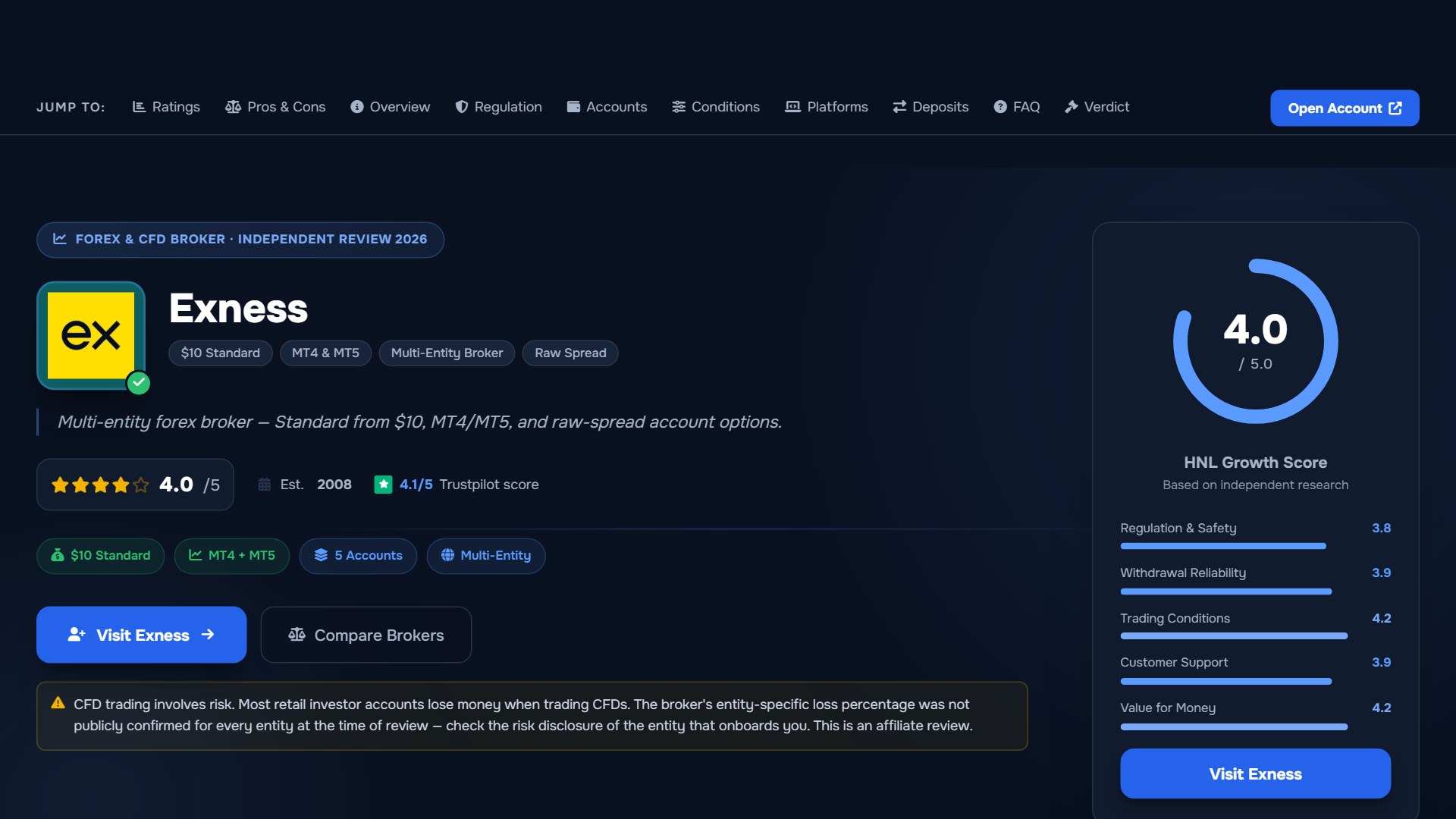
Key Features of the Exness Trade Mobile App
1. Integrated TradingView Charts & Visual Order Placement
Inside the Exness Trade app, you can toggle between Exness's lightweight native chart and full TradingView mobile charts via Profile → Settings → Trading Terminal. The TradingView view supports dozens of technical indicators (RSI, MACD, Bollinger Bands, EMA/SMA, Ichimoku), multi-timeframe analysis from 1-minute (M1) to monthly (MN), and visual drag-and-drop Stop-Loss (SL) and Take-Profit (TP) lines that display exact projected profit or loss in both pips and your account currency (USD, EUR, ZAR, USC).
2. Pre-Trade Margin & Risk Ticket Calculator
On standard MetaTrader mobile apps, typing 0.25 lots and a stop-loss price does not tell you how many dollars you are risking before you hit Buy or Sell. In the Exness Trade app order ticket:
- Entering your lot size immediately displays the Required Margin, Spread, Pip Value, and Available Free Margin.
- You can set your Stop-Loss and Take-Profit by Price, Pips, Money ($), or % of Equity, eliminating manual position-size math mistakes on mobile.
3. Unified Cashier, Leverage Controls & Push 2FA
Instead of logging into a mobile browser every time you want to move money or adjust leverage before a news release, the Exness Trade app houses the full Personal Area:
- Instant Internal Transfers: Move equity between your Exness account types in seconds to top up margin or isolate profits before high-volatility sessions.
- In-App Deposits & Withdrawals: Fund your account from Exness minimum deposit levels or submit Exness withdrawal requests verified directly via Push Notification 2FA (faster and more reliable than SMS OTP codes when traveling).
Regional App Store Availability & APK Safety Rules
In certain jurisdictions where local financial or telecom authorities restrict offshore trading apps on the Apple App Store or Google Play Store, traders often search for the Android APK file. To protect your account from phishing clones:
- Never download Exness APKs from third-party APK mirror sites or Telegram channels. Fake apps intercept your Personal Area login and 2FA codes.
- Always download the official iOS app, Google Play app, or verified Android APK directly from the authenticated Exness official website (
exness.com/exness-trade-app/) or from inside your logged-in web Personal Area.
Official sources: Exness official site (exness.com).
Pre-Trade Verification Checklist for the Exness Trade App
Before executing live mobile trades on the Exness Trade app (fact-checked 2026-10-01), complete these four configuration checks:
- MT5 Account Selection: Ensure the trading account you open for mobile execution is set to MT5 (Standard, Cent, Pro, Zero, or Raw Spread) so you can trade directly inside the Exness Trade app without switching to the external MT4 app.
- Switch Security Type to Push Notifications: Go to Profile → Settings → Security → Security Type and enable Push Notifications alongside biometric login (FaceID/TouchID) so withdrawal and leverage-change approvals do not depend on cellular SMS delivery.
- One-Click Trading Caution: Keep One-Click Trading disabled when scrolling on mobile unless you are actively scalping, preventing accidental market orders from pocket taps.
- Verify Developer Certificate: Confirm the publisher in the Apple App Store or Google Play Store matches Exness's official developer profile (review our is Exness safe guide for entity verification steps).
Exness Trade App Review: Your Questions Answered
Why can't I trade my MT4 account directly inside the Exness Trade app?
The Exness Trade app's built-in execution terminal is built natively on the MT5 server architecture. While you can view balances, deposit, withdraw, and change leverage for MT4 accounts inside Exness Trade, tapping "Trade" on an MT4 account will prompt you to open the standalone MetaTrader 4 mobile app.
Are there two different Exness mobile apps?
Yes. Exness publishes two distinct mobile applications: Exness Trade (for self-directed manual trading, charting, and Personal Area account management) and Exness Social Trading (specifically for investors copying Strategy Providers).
Can I use Expert Advisors (EAs) on the Exness Trade mobile app?
No. Automated MQL4/MQL5 Expert Advisors (EAs) cannot run natively inside mobile operating systems (iOS or Android). To run EAs 24/7 while monitoring them from your phone, install your EA on the free Exness VPS (available to eligible accounts meeting balance and volume criteria) and monitor open trades via the Exness Trade app.
Does the Exness Trade app charge extra fees for mobile trades or withdrawals?
No. Spreads, commissions, swaps, and $0 internal deposit/withdrawal fees on the Exness Trade app are identical to desktop MT4, MT5, and the web Exness Terminal. Compare mobile broker platforms using our side-by-side comparison tool.
Sources checked 2026-10-01: exness.com account, pricing, platform and regulation disclosures. Terms depend on the Exness entity that onboards you. CFDs carry a high risk of losing money rapidly due to leverage.
Related Guides
Sources & verification
- Last checked
- Written by
- HNL Growth Team
- Reviewed by
- Hà Ngọc Lộc
- Length
- 5 min read · 1,122 words
Rules, prices and payout terms on this page were checked against the official websites, help-centre articles and published terms of the firms mentioned, on the date above. Prop firms and brokers change conditions often — confirm the current version on the official site before you buy or deposit. Read our broker review methodology and affiliate disclosure.
Official sources & documentation verified
- Exness official site(exness.com)
Explore Related Hubs & Free Trading Tools
Ready to Check Exness?
Exness offers Standard, Standard Cent, Pro, Zero, and Raw Spread accounts plus MT4, MT5, Exness Terminal, and Exness Trade. Minimum deposits, leverage, instruments, protections, payment terms, and swap-free eligibility depend on your country and onboarding entity.
Risk disclaimer: Exness is a live, multi-entity forex and CFD broker — trading uses real capital under normal market risk. The entity that onboards you determines applicable regulation, leverage, protections, instruments, payment terms, and country eligibility. CFDs and leveraged forex products are complex instruments and carry a high risk of losing money rapidly. Affiliate disclosure: HNL Growth earns a commission when you open an Exness account through links on this page.