JustMarkets Sign Up: Registration and Verification Steps
How to register with JustMarkets: country check, Personal Area sign-up, the auto-opened account, identity and address verification, and choosing the right.
Reviewed by Hà Ngọc Lộc· Senior SEO Editor
Reviewed using our forex & CFD broker review methodology
Signing up with JustMarkets takes three steps. First, create a Personal Area with your country of residence, email and a password. JustMarkets then opens a trading account automatically (its quick-start page says a Pro account) and emails you the trading login. Finally, you verify your identity and address with a government ID and a proof-of-residence document before funding or withdrawing. Check eligibility before you start: JustMarkets says it doesn't serve residents or citizens of Australia, Canada, Japan, India, the UK, the US or sanctioned countries. In Malaysia it appears on the Securities Commission Malaysia's Investor Alert List.
Step 1: Check Whether You Can Open an Account
Your country decides two things: whether you can open an account at all, and which legal entity will hold it. Clients served through the EU site (justmarkets.eu) are onboarded by the CySEC-licensed JustMarkets Ltd, with a €100 minimum initial deposit and EU leverage limits. Most other eligible countries are served by offshore entities (Seychelles FSA, Mauritius FSC, BVI FSC) or by the South African FSCA entity. Malaysian readers should first read our JustMarkets Malaysia note.
Step 2: Register the Personal Area
- Click Register on justmarkets.com.
- Select your country of residence. This should match the address you will verify later.
- Enter an active email address, or sign up with Google or Telegram.
- Set a password. JustMarkets' quick-start rules say 6–15 characters with uppercase letters, lowercase letters and digits, and no special symbols or spaces.
Once you're registered, JustMarkets opens a trading account and emails you the trading account number and password. These are different from your Personal Area login (see the login guide).
Step 3: Pick the Right Account Type
The auto-opened account might not suit you. You can open further accounts from the Personal Area at any time:
| Account | Minimum deposit (global site) | Pricing |
|---|---|---|
| Standard Cent | $10 | From 0.3 pips, no commission; balance in US cents |
| Standard | $10 | From 0.3 pips, no commission |
| Pro | $200 | From 0.1 pips, no commission |
| Raw Spread | $200 | From 0 pips + $3 per side per lot |
On a small first deposit, a Pro account opened automatically won't accept less than $200. If you only plan to start with $10, open a Standard or Standard Cent account. More detail is in the minimum deposit guide.
Step 4: Verify Your Identity and Address
In the Personal Area you verify three things: your identity, your address of residence and, if you deposit by card, your bank card. JustMarkets' privacy policy names the identity documents it collects: passport, national ID, driver's licence or similar government-issued documents, plus documents that confirm your address.
To get verified faster:
- Upload clear, uncropped photos showing all four corners of the document.
- Make sure the name and address match what you entered at registration.
- Use a recent address document, such as a utility bill or bank statement, in your own name.
- Only pay in from payment accounts in your own name. JustMarkets doesn't accept third-party deposits.
Step 5: Test With a Small Deposit
Fund the account with a small amount, place a trade in MT4/MT5 (see the platform guide), then try a small withdrawal (withdrawal guide). That confirms the whole cycle works before you add more money. Leverage up to 1:3000 is available on the global entities. Choose a lower setting if you are new.
Related: Before funding, read Is JustMarkets safe? and choose an account in JustMarkets account types.
Related: Not sure JustMarkets serves your country? Check JustMarkets restricted countries.
Official sources: JustMarkets official site (justmarkets.com).
JustMarkets Sign Up: Your Questions Answered
Which countries can't open a JustMarkets account?
JustMarkets does not serve residents of Australia, Canada, Japan, India, the United Kingdom, the United States and sanctioned jurisdictions.
What documents does JustMarkets need?
A government-issued ID and a recent proof of address in your name; requirements can vary by entity.
Does JustMarkets open an account automatically?
Registration can create a default account; check its type and minimum deposit in the Personal Area before funding.
Sources checked 2026-10-01: JustMarkets quick-start page, regulations page and restricted-jurisdictions notice, Standard and Professional account pages, card-verification manual, privacy policy, justmarkets.eu deposit page, SC Malaysia Investor Alert List. We did not open a live account for this guide.
Related Guides
Sources & verification
- Last checked
- Written by
- HNL Growth Team
- Reviewed by
- Hà Ngọc Lộc
- Length
- 3 min read · 748 words
Rules, prices and payout terms on this page were checked against the official websites, help-centre articles and published terms of the firms mentioned, on the date above. Prop firms and brokers change conditions often — confirm the current version on the official site before you buy or deposit. Read our broker review methodology and affiliate disclosure.
Official sources & documentation verified
- JustMarkets official site(justmarkets.com)
Explore Related Hubs & Free Trading Tools
Ready to Check JustMarkets?
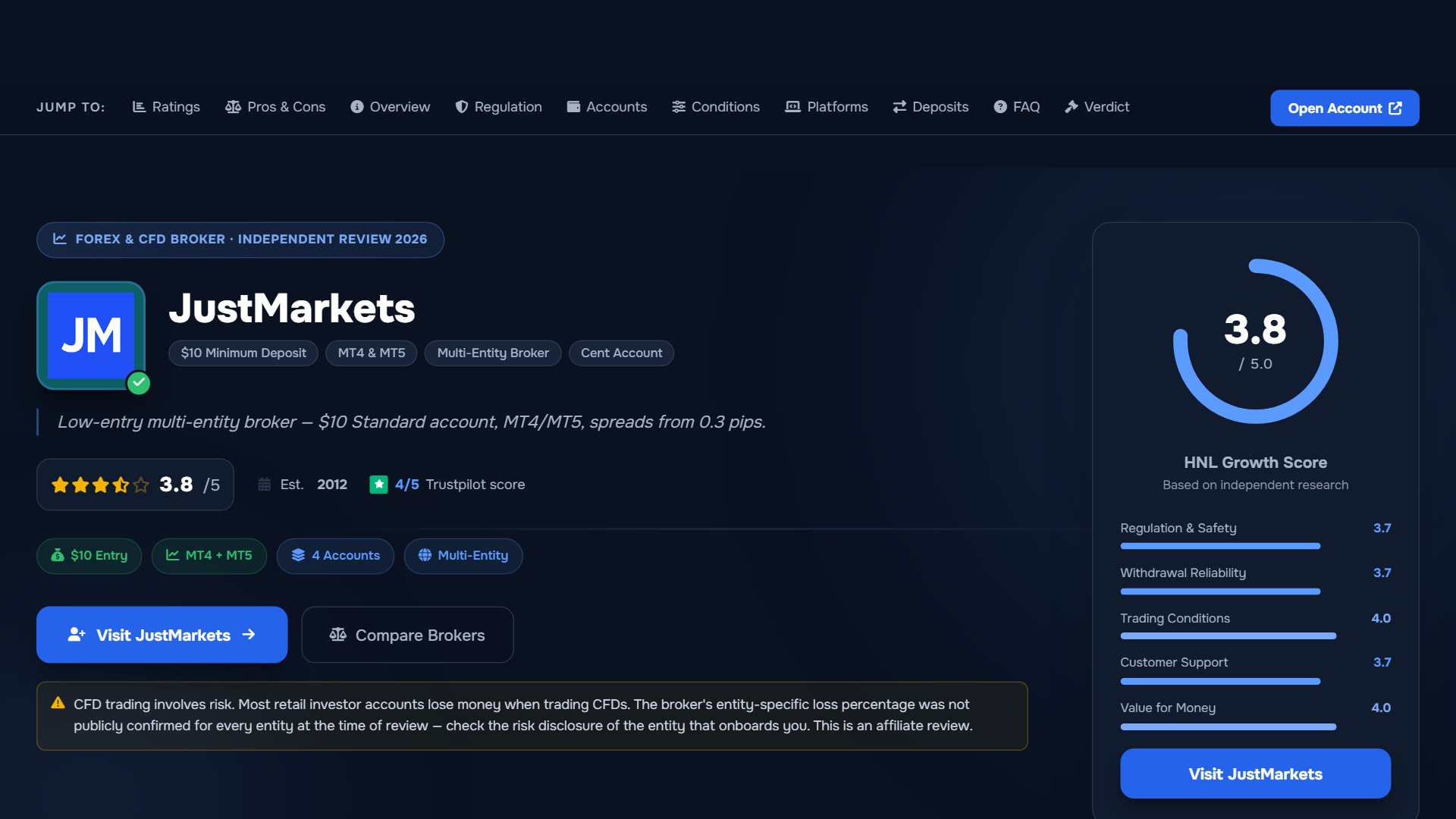
JustMarkets offers four live-account structures, MT4/MT5, and a low entry point. Minimum deposits, leverage, instruments, protections, and payment terms depend on your country and onboarding entity, so verify the current account agreement before depositing.
Risk disclaimer: JustMarkets is a live, multi-entity forex and CFD broker — trading uses real capital under normal market risk. The entity that onboards you determines applicable regulation, leverage, protections, instruments, and payment terms. CFDs and leveraged forex products are complex instruments and carry a high risk of losing money rapidly. Affiliate disclosure: HNL Growth earns a commission when you open a JustMarkets account through links on this page.