MetaTrader Demo Account: Open an MT4 or MT5 Demo in Minutes
How to open a free MT4 or MT5 demo account inside the platform or through a broker, what the login, password and investor password are, and demo limits to know.
Reviewed by Hà Ngọc Lộc· Senior SEO Editor
Reviewed using our forex & CFD broker review methodology
You can open a MetaTrader demo account for free in two ways. One is inside the platform: File → Open an Account → pick a broker server → "Open a demo account". The other is through your broker's website. You choose the account type, a virtual deposit and leverage. MetaTrader then shows a login, a master password (lets you trade) and an investor password (read-only). Demo accounts work like live ones but use virtual money, so you can't make a real profit. Prices and fills may also differ from live trading.
Method 1: Open a Demo Inside MT5 (or MT4)
- In the desktop terminal, click File → Open an Account.
- Select a server. Search for your broker's name and pick its demo server.
- Choose "Open a demo account to trade virtual money without risk."
- Enter name, email and phone.
- Set account parameters: hedging on or off (MT5), account type, virtual deposit and leverage.
- Accept the broker's terms and click Next.
- Save the login, password and investor password. MT5 also shows a QR code so you can sign in to the same demo on your phone.
These steps come from MetaQuotes' own MT5 help. MT4 uses the same flow under File → Open an Account.
Method 2: Open a Demo on the Broker's Website
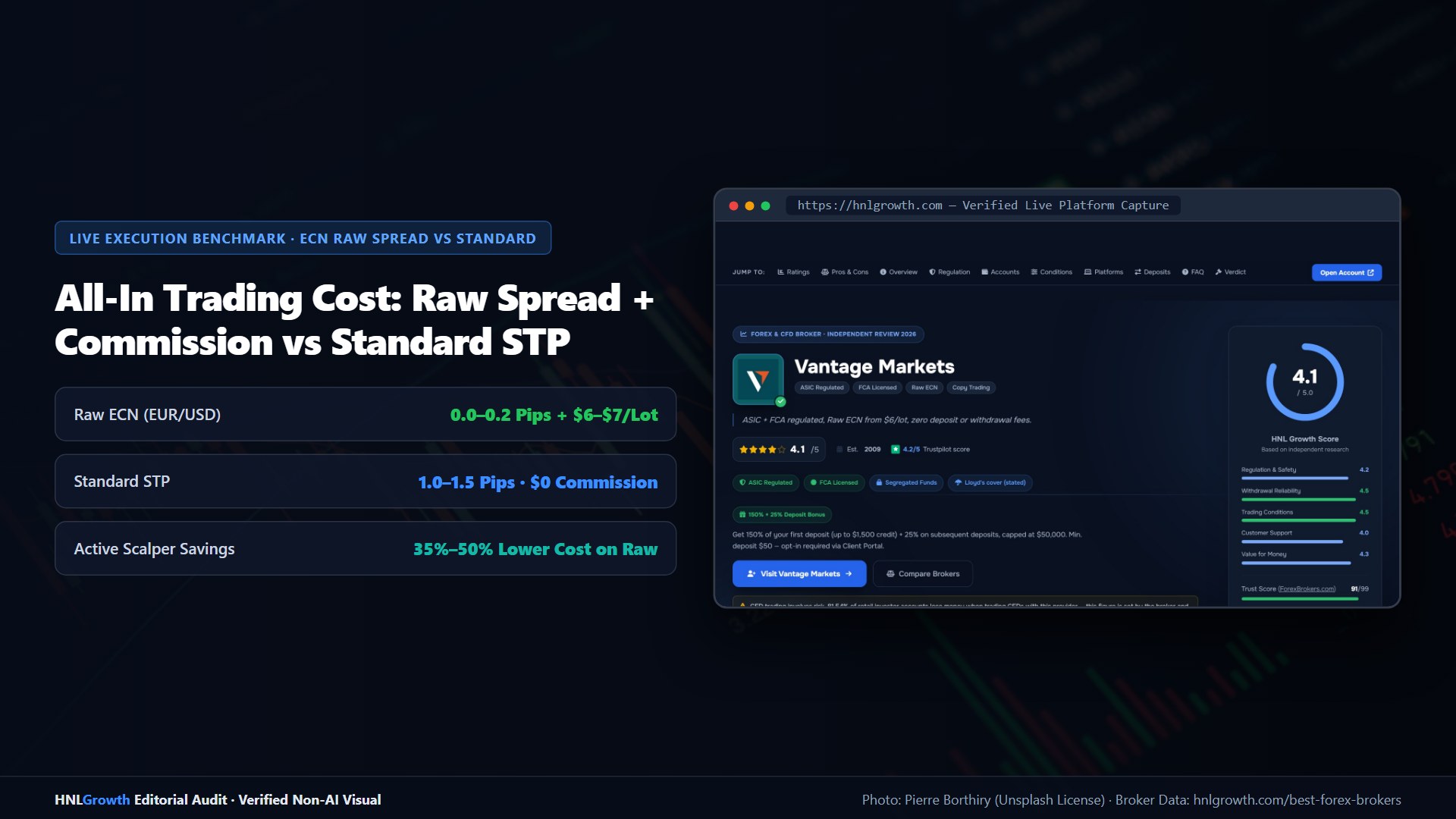
Most brokers let you create a demo from their client portal, then email you the server and login. This route usually matches the broker's real account types more closely. For example, Vantage's demo comes with up to $100,000 in virtual funds (Vantage demo guide).
Demo vs Live: What Changes
| Demo | Live | |
|---|---|---|
| Money | Virtual | Real |
| Profits | Not withdrawable | Withdrawable |
| Execution | Simulated; slippage often lower | Real liquidity; slippage and requotes possible |
| Expiry | Some brokers delete inactive demos | Stays open while the account is active |
| KYC | Usually just name and email | Full identity and address checks |
A demo is best for learning the platform, testing an EA and comparing spreads. It doesn't prepare you for how real losses feel. More detail: demo vs live.
Common Demo Problems
- "Invalid account" after a few weeks: the broker may have expired the demo. Open a new one.
- Can't log in on mobile: pick the demo server, not the live one.
- Login works in MT4 but not MT5: they are separate accounts. Open a demo for each platform.
Related: Forex demo account guide · Best forex demo accounts · MT4 app · Open an MT5 real account
Official sources: MetaTrader 5 user guide (metatrader5.com) · MetaTrader 4 user guide (metatrader4.com).
MetaTrader Demo Account: Your Questions Answered
Is a MetaTrader demo account free?
Yes. Demo accounts use virtual money and cost nothing.
How long does an MT5 demo account last?
It depends on the broker. Some keep demos open while they are in use, others delete them after a period of inactivity.
What is the investor password in MetaTrader?
A read-only password. It lets someone view the account and charts but not place trades.
Can I move from a demo to a live account?
Not directly. You open a separate real account with the broker, pass verification and fund it.
Sources checked 2026-10-01: metatrader5.com help, "Demo and Live Account Opening"; our Vantage demo guide.
Related Guides
Sources & verification
- Last checked
- Written by
- HNL Growth Team
- Reviewed by
- Hà Ngọc Lộc
- Length
- 3 min read · 584 words
Rules, prices and payout terms on this page were checked against the official websites, help-centre articles and published terms of the firms mentioned, on the date above. Prop firms and brokers change conditions often — confirm the current version on the official site before you buy or deposit. Read our broker review methodology and affiliate disclosure.
Official sources & documentation verified
- MetaTrader 5 user guide(metatrader5.com)
- MetaTrader 4 user guide(metatrader4.com)
Explore Related Hubs & Free Trading Tools
Ready to Trade with Vantage Markets?
Vantage Markets is a multi-regulated forex & CFD broker (FCA, ASIC, FSCA, CIMA, VFSC, FSC) trusted by 5 million+ traders, with Raw ECN pricing from $3/lot, no deposit/withdrawal fees, and full MT4/MT5/TradingView support.
Risk disclaimer: Vantage Markets is a live, regulated broker — trading forex and CFDs is done with real capital under normal market risk (this is not a simulated prop-firm evaluation). CFDs and leveraged forex products are complex instruments and carry a high risk of losing money rapidly due to leverage; most retail investor accounts lose money trading these products. Consider whether you understand how CFDs/forex work and whether you can afford the high risk of losing your money. Affiliate disclosure: HNL Growth earns a commission when you open a Vantage Markets account through links on this page.